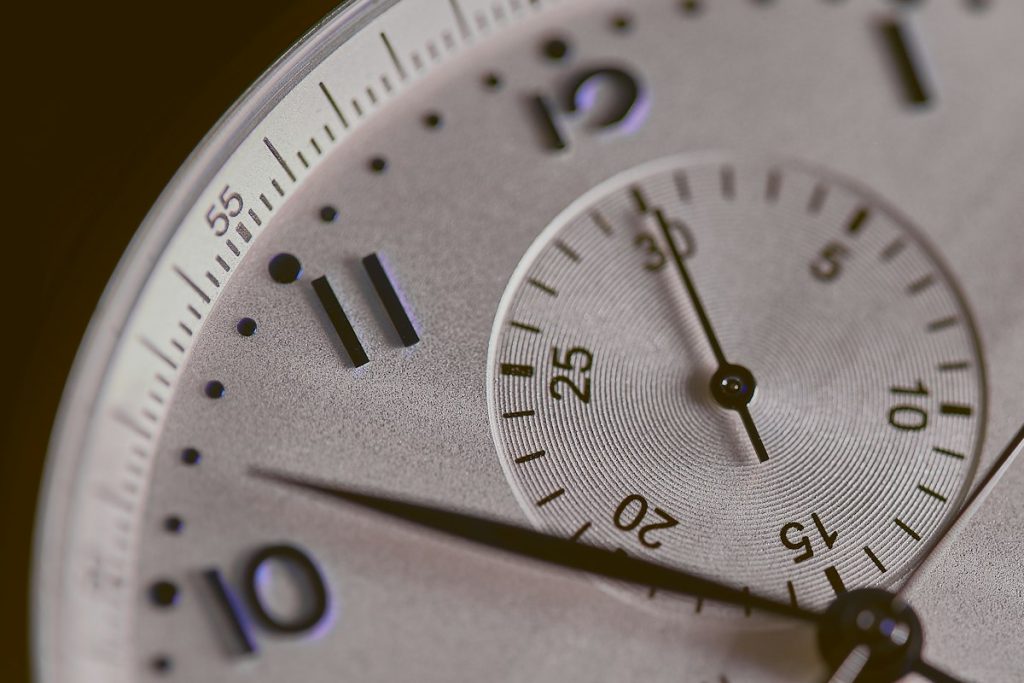
TL;DR / Summary: A take log needs one fixed clock, written down as absolute time, not elapsed minutes. That single decision makes it possible to match a recording to a video file, a client note, or a memory two weeks later.
Elapsed time versus wall time
Engineers often write “take 3, 2:14” meaning two minutes into the session. Session time is useful during the session and useless afterwards, because nobody remembers when the session started relative to anything else.
Wall time — the actual clock time — survives. It matches the video camera, the client’s phone recording, and the note someone sent at 14:32.
Use wall time as the primary field and elapsed time as a secondary note if you need it.
What belongs in the log
A take log is a retrieval tool. Every field should help you find or trust a recording later.
Record take number, start time, song section, instrument, and a one-word quality note. Anything longer than a word is a memory, and memories do not scale across a session.
A minimal schema
- Take: sequential number, reset per song
- Clock: start time, twenty-four hour, to the minute
- Section: verse, chorus, bridge, or full take
- Source: mic, DI, or room
- Note: keeper, timing, tuning, noise
Five fields. A session with forty takes is then searchable in seconds, which matters when the client asks for “the one where the guitar was cleaner”.
The clock must be the same clock
If the DAW clock and the wall clock disagree, the log becomes ambiguous. Pick one reference and stick to it for the whole session.
Sync the computer’s time before the session starts, and note the reference in the header of the log: “times from studio wall clock, synced 09:55”.
A log is only as good as the clock it trusts.
Phones drift, laptops sleep, and a session that crosses a daylight-saving change is a genuine trap. Note the change in the log if it happens mid-session.
Marking the keepers
Most sessions produce a handful of usable takes among many. Mark them as you go, then review the marks before the client leaves.
Do not delete the rejects during the session. Storage is cheap; a take that seemed weak at 15:00 can be the one that fits at 22:00.
Use a consistent vocabulary for notes so the log stays searchable. “Keeper”, “timing”, “tuning”, “noise” cover most cases without a legend.
Linking to picture and notes
If the session is for video, log the corresponding camera timecode alongside the wall clock. Two references are better than one, and the conversion between them is usually trivial.
Keep client messages in the same document or a linked note with timestamps. A message at 16:10 that says “try it slower” is only useful next to the take recorded at 16:12.
At the end of the session, export the log as a plain text or CSV file and store it with the audio. A log that lives only in a notebook is a log that stays in the studio.
Using the log in the mix
During mixing, the log answers questions that would otherwise require listening to everything: which take had the best ending, which had a click, which one the client preferred.
Sort by the note field and work through the keepers first, then the rest. It is a faster route to a rough mix than starting from take one.
A large, legible clock in the room makes the habit easy; the display at Live Clock is readable from across a desk and gives a single reference everyone can see. Set it once, write the times down, and the session stays findable long after the client has gone.
Handing the log to a mix engineer
A mix engineer needs three things: which take is the keeper, where it starts, and what was wrong with the alternatives.
Export the log as plain text, not as a screenshot. Text can be searched and pasted into a session note; an image cannot.
Name the log after the session date and the artist. Generic filenames get lost in a shared drive within a month.
Documentation is finished when it can be read without the person who wrote it.
Include the sample rate and the clock reference. A mix started at the wrong rate is a slow, confusing problem.
Keep one copy with the session files and one in the project folder. Two copies is the minimum for anything that took a day to produce.
Logging the happy accidents
Some of the best moments in a session are mistakes. Note them as they happen, with the take number and the clock time.
A laugh, a chair creak, a wrong chord that worked — these are impossible to find again without a note.
The best take is often the one nobody planned.