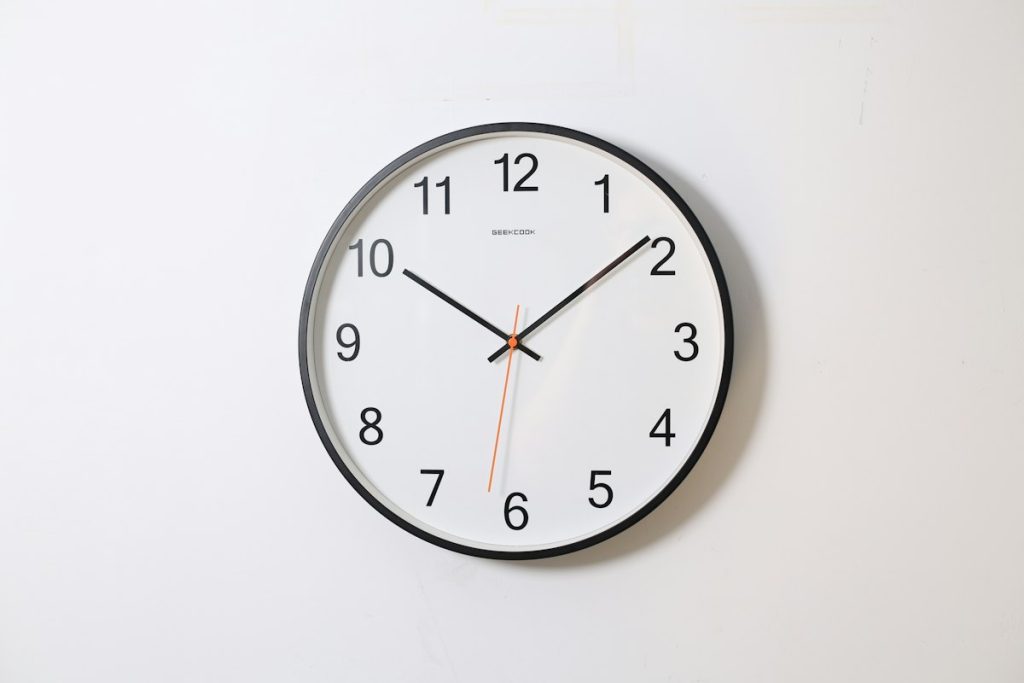
TL;DR / Summary: A clock left running in a shop window has to survive heat, sunlight, power cuts, and weeks of nobody touching it. Use a browser clock in full screen, shift the layout slightly to avoid burn-in, keep the device on mains power, and check it once a week rather than trusting it silently.
What an always-on display actually demands
A tablet showing a clock behind glass looks like the simplest installation in the shop. In practice it is a small appliance that runs unattended for a hundred hours a week.
Three things fail first: the display, the power, and the browser. The display develops uneven wear, the power arrangement gets unplugged by a cleaner, and the browser quietly stops updating after a memory leak.
Plan for all three before you choose the hardware, because a window display that needs daily attention is worse than no display at all.
Burn-in, and why a moving clock is safer
Static interface elements are the enemy of an always-on panel. A clock is mostly numbers in the same place all day, which is exactly the pattern that leaves a ghost.
- Shift the whole layout by a few pixels every minute or so.
- Avoid pure white on pure black at maximum brightness for hours.
- Keep the status bar hidden so icons do not burn into one corner.
- Use a slightly grey background rather than stark black on OLED panels.
If your clock page offers a night mode or a lower-contrast theme, use it after closing time. The window is dark then, and full brightness is both wasteful and harder on the panel.
Keeping the device awake without never sleeping again
The usual advice is to disable sleep entirely, which is fine for a plugged-in tablet and bad for its battery. A device held at full charge for months will swell.
Better: keep it on mains power and set a long screen timeout rather than an infinite one. Some tablets offer a kiosk or guided-access mode that pins one page and ignores accidental touches, which is ideal behind glass.
If the device has a battery health feature that stops charging at eighty percent, leave it on. You lose a little runtime in a power cut and gain years of hardware life.
Reload or refresh: keeping the time honest
A browser clock reads the device clock, so accuracy depends on the device’s time sync rather than the page. If the tablet drifts, the display will confidently show the wrong time.
Check the device’s automatic time setting once a month. A tablet that has been offline for a while can be several minutes out, and a shop window is the worst place to discover it.
A clock that is wrong by four minutes is not a clock; it is a rumour.
Set a scheduled reload once a day, in the early morning, to clear memory and pick up any page updates. Daily is enough; hourly reloads just add flicker.
Brightness across daylight and closing time
Sun on glass can wash out a screen that looked bright indoors. The fix is rarely maximum brightness all day, which shortens panel life and heats the device.
Test at the worst hour: mid-afternoon in summer, with the sun on the window. If the digits are unreadable, move the device deeper into the window or add a small shade above it.
At night, drop brightness and consider switching the display off after closing. A glowing empty shop reads as careless rather than open.
Recovery after a power cut or a dropped connection
Assume the power will go out. When it returns, the tablet boots, the browser may show a restore prompt, and the clock stays absent until someone notices.
Configure the browser to reopen the last page on startup, and set the clock page as the home page. Test the recovery deliberately: unplug it, wait a minute, plug it back in, and watch what appears.
If the page needs a network connection to load, add a local fallback or a cached version. A clock that depends on Wi-Fi is a clock that stops when the router reboots.
Choosing between an old tablet and a small TV
A spare tablet is cheap and easy to mount, and it is usually good enough. Its weakness is aspect ratio: a portrait screen showing a wide clock wastes space, and a landscape screen fits awkwardly behind a narrow window.
A small TV gives a larger, brighter display and a simpler power arrangement, but it needs a media player or a computer attached, which adds a failure point.
For most shop windows, a tablet in landscape with a simple, high-contrast full-screen browser clock is the right balance of cost and reliability.
Cables, cleaners, and the accidental power switch
The most common cause of a dead window display is not hardware failure; it is a plug pulled to run a vacuum cleaner.
Route the charging cable behind the display and tape the connection at the device end. If the socket is accessible, label it and mention the display in the closing routine.
Cleaners work quickly and in poor light. A cable lying loose on the floor will be unplugged, and nobody will think to mention it the next morning.
A window clock is furniture, so maintain it like furniture
Nobody dusts a screen until it looks dull, and nobody checks a clock until a customer mentions it. Put both on a weekly routine.
Wipe the glass, confirm the time against a phone, look for ghosting in the corners, and check that the charger is still seated. Two minutes a week keeps the display credible.
Replace the hardware when the panel shows permanent marks rather than chasing brightness settings. A window display is a small piece of shopfront trust, and it should never be the thing that makes a customer doubt the time.